UR Code 2D Image Guidelines
The Matching Results in the UR Code 3D:2D and 2D:2D APIs are directly impacted by the quality and style of the images used to create UR Codes. 2D Images should adhere to the requirements and guidelines below to ensure optimal usage of these APIs.
UR Code 2D Image Requirements
The following are requirements for creating UR Codes from 2D Images:
- JPG or PNG. No other image formats are accepted.
- Only one face can be present in the image.
Optimal Images for UR Codes
The following are recommended for optimal performance:
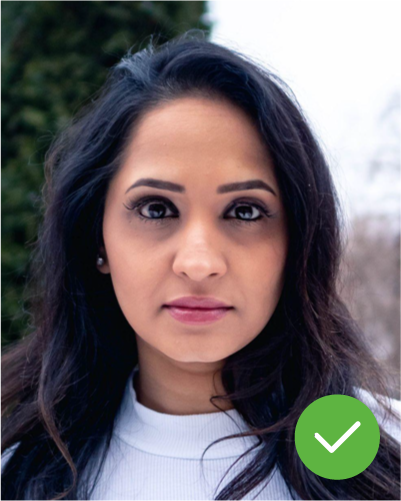
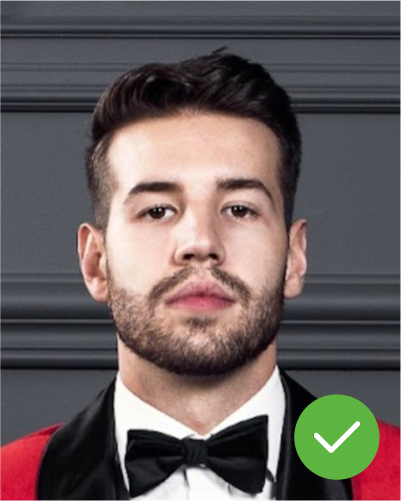
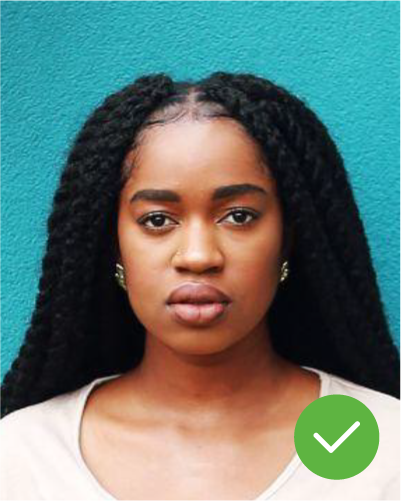
- Face has a frontal pose, mugshot style. Variations in pitch, roll, and yaw will lead to poor accuracy.
- Face should be generally centered in the image. This is not a requirement, but it is helpful for performance.
- Face width should be at least 150 pixels wide, ideally 300+ pixels wide. Smaller faces are sometimes accepted, but their use will degrade accuracy.
- Images containing glare, watermarking, or holograms can negatively affect accuracy.
- Images should not be heavily compressed, and ideally, not compressed more than once.
- Face images should be upright. The UR Code SDK will detect 90, 180, and 270 degree rotated faces in images, but processing will be faster if the photo is upright.
- In general, images that have at least the quality specified in the ISO 19794-5 Frontal Face specification will yield better performance.
- Neutral expression.
- Evenly-lit face, minimizing shadows and glare/reflections off eyeglasses.
The ICAO Standards provide guidance for improved accuracy:
- Color photo with clear and continuous-tone quality.
- Full face, front-view, eyes open, neutral expression.
- Full head from top of hair to bottom of chin.
- Head centered in the frame.
- Background should be plain white or off-white
- No distracting shadows on the face or on the background
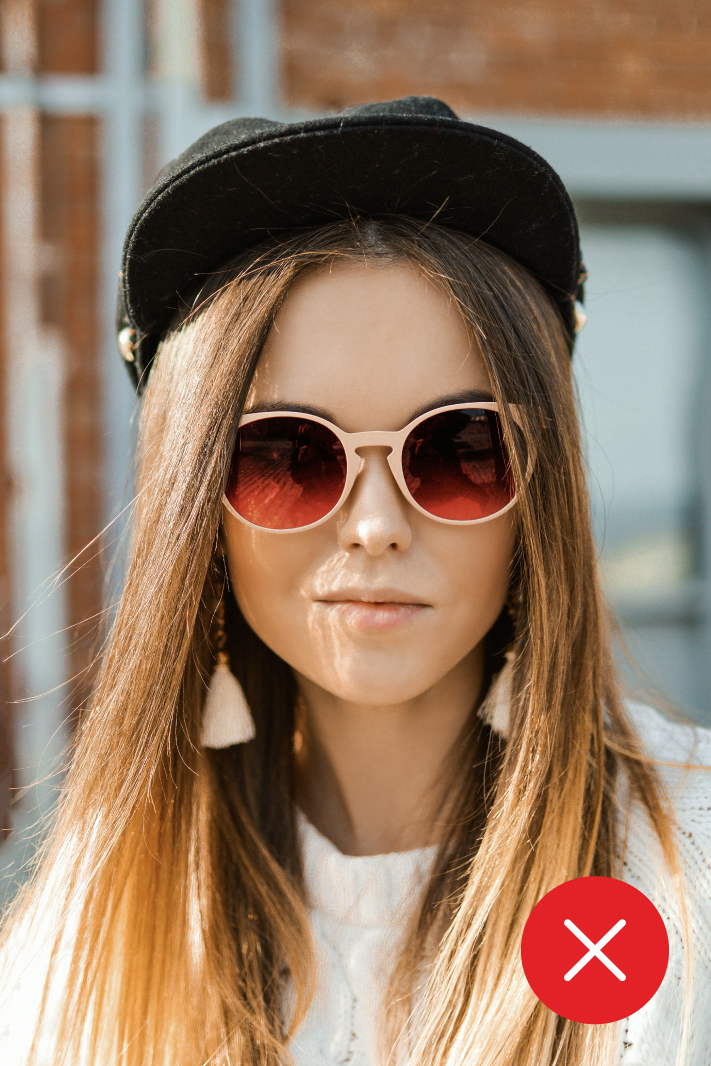
- Head coverings are not recommended

Suboptimal Images - Full-Body Portrait
The quality of the Face Data has a significant impact on the Matching Accuracy. In a Full-Body Portrait, the majority of the Image Data is not used for the face, which results in a lower resolution Face Image.


Suboptimal Image Characteristics & Use Cases
Matching Accuracy is always impacted by the quality of the face data, so please be sure to submit the best possible photo. Here are some factors that can negatively impact performance:
- Image alterations, filters, face morphing, compression, upscaling, re-saving.
- Extreme pose or angle variations.
- Low resolution, blurry, or otherwise low quality images.
- Matching Users wearing sunglasses or face masks is not supported.
- Other extreme conditions like extreme lighting, extreme facial expressions, or other extreme artistic alterations.
- Homogeneous datasets, Matching against close relatives, contrived testing with known look-alikes.
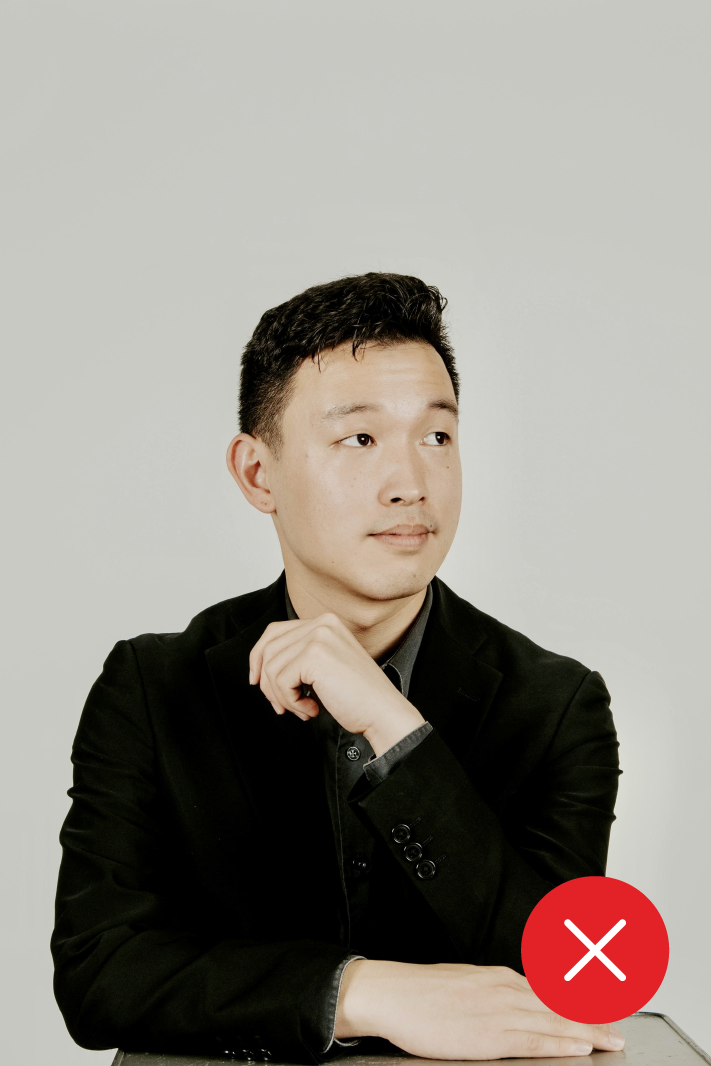
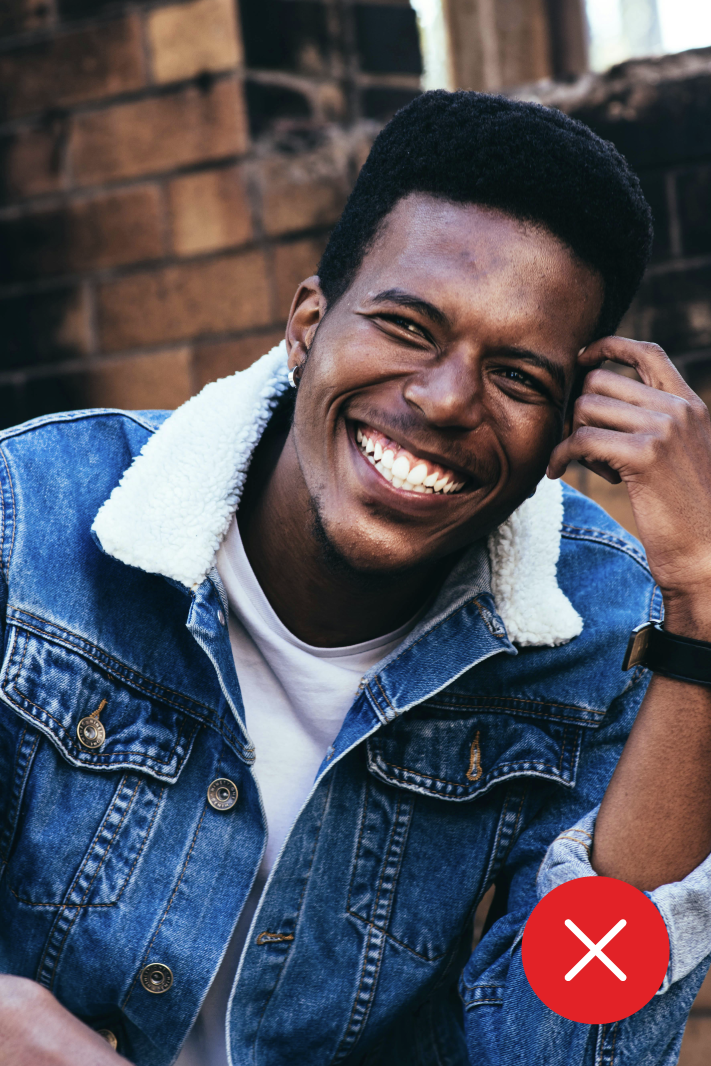
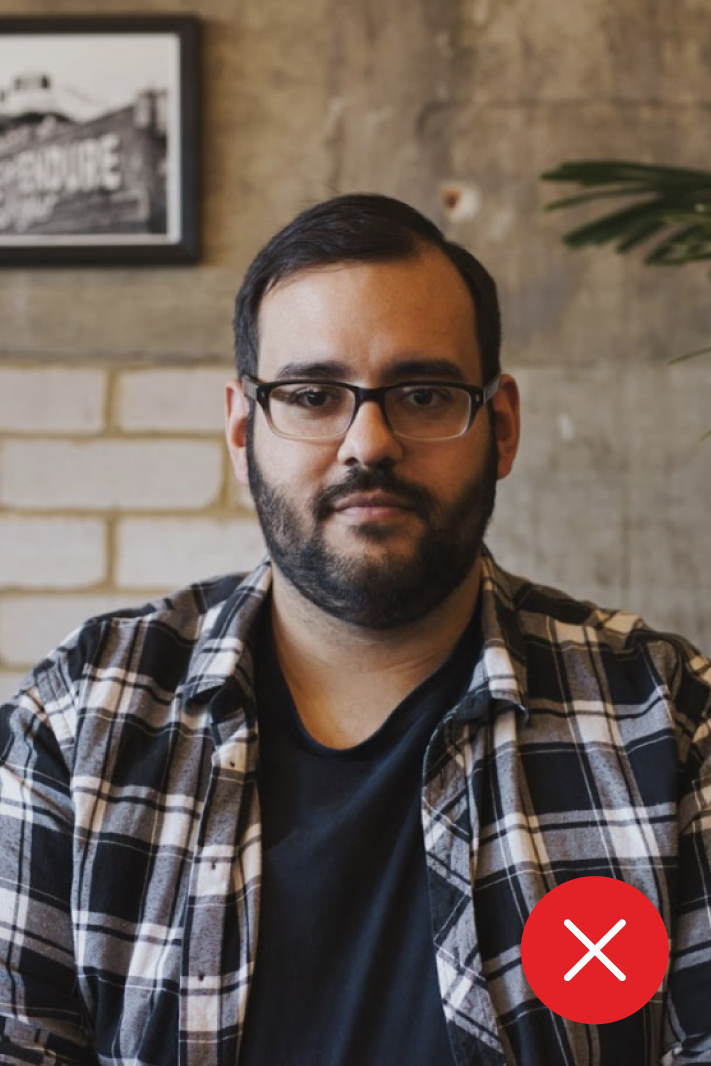
Not Looking at the Camera
Extreme Facial Expression
Shadow on the Face
Hat and Sunglasses